Guide to Install and Use ibo Pro Player on any Device [Paid IPTV App]
Ibo pro player is a Premium IPTV Player App. This player comes with 7 days free trial and needs to be paid after that to use the app.
Subscription Price for Player:
- You can buy 1 year license at Rs 1000/- for 1 device. (Device change not allowed)
- You can buy lifetime license at Rs 1800/- for 1 device. (You can change device in lifetime plan by requesting Ibo pro player support for limited time)
Please contact Toolsmandu Whatsapp support team to buy paid license of this player.
Let's get started with setting up ibo pro player into your device.
Step 1: Download App in your Device
For Android: https://play.google.com/store/apps/details?id=ibpro.smart.player
For iOS: https://apps.apple.com/us/app/ibo-pro-player/id6449647925
For Windows:
Microsoft Store Link: https://apps.microsoft.com/detail/9msnk97xpvrk?hl=en-US&gl=NP
Direct .exe Setup File: https://rb.gy/8beuu
For LG TV:
For Roku TV:
For Samsung TV:
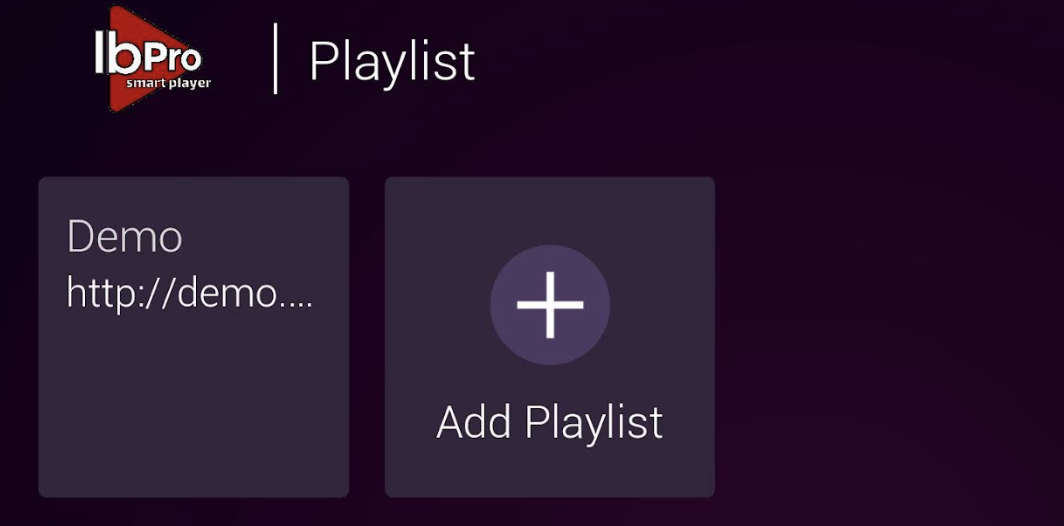
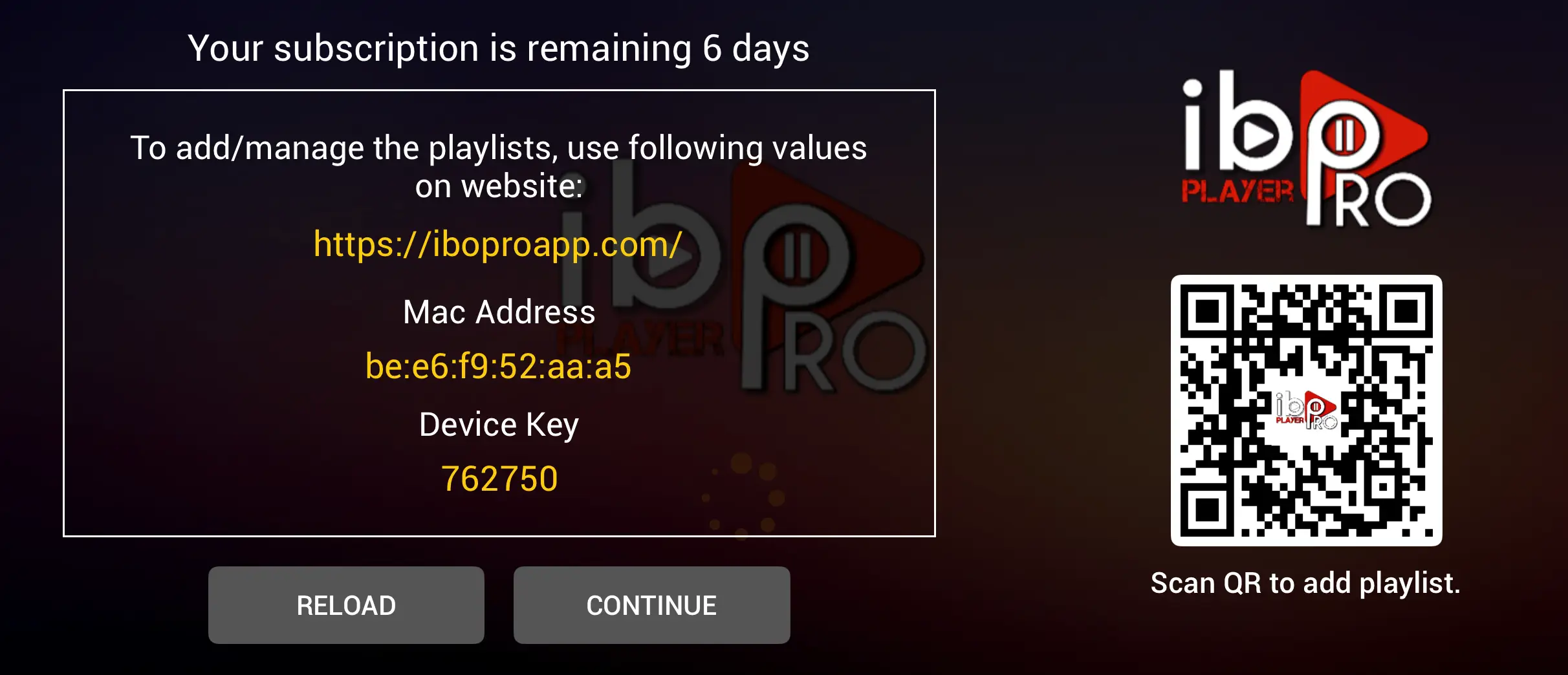
Step 2: Open App and you will see like this, Click "Continue"

Step 2: Click "Add Playlist"

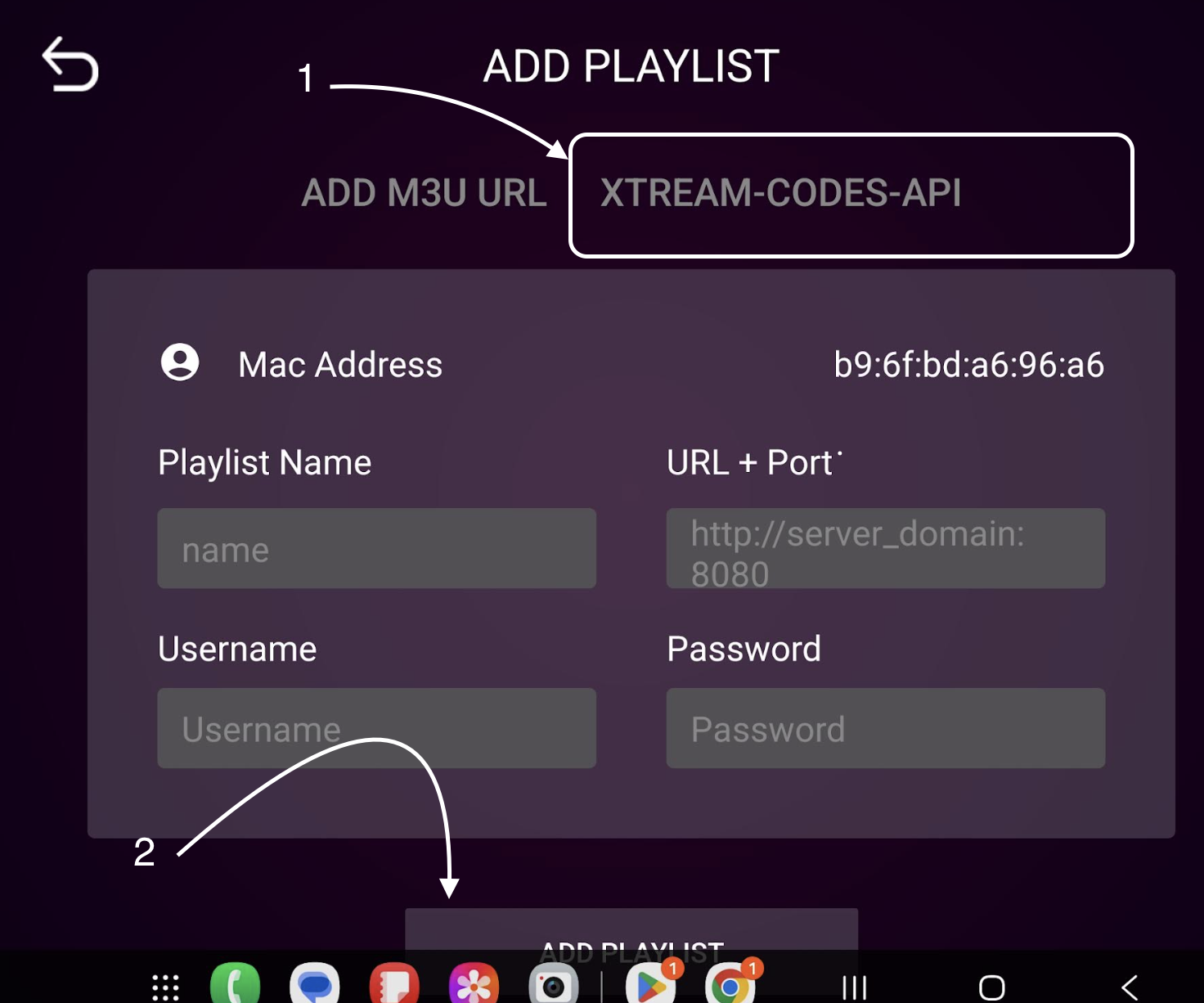
Step 3: Choose "Xtream-Codes-API", Insert IPTV Data and Click on "Add Playlist"

Playlist Name: You can write your Username here
Username: You can use Username provided by Toolsmandu
Password: You can use Password provided by Toolsmandu
Playlist Host: You can use Host URL provided by Toolsmandu
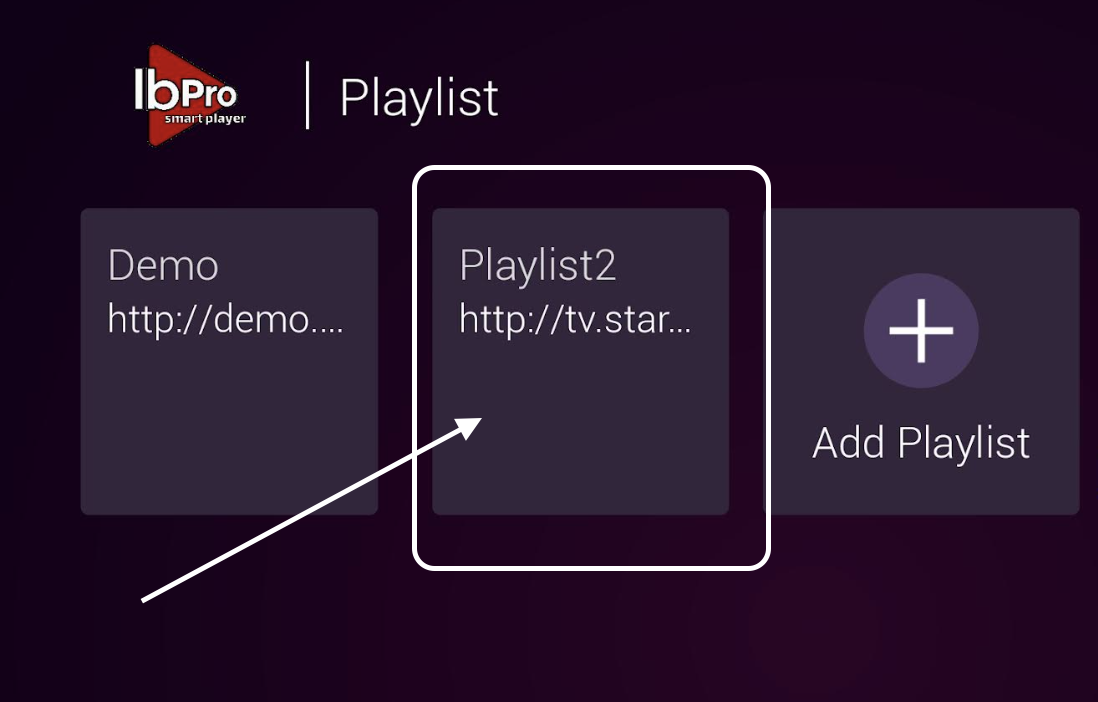
Step 4: Now, Click on the playlist name you added.

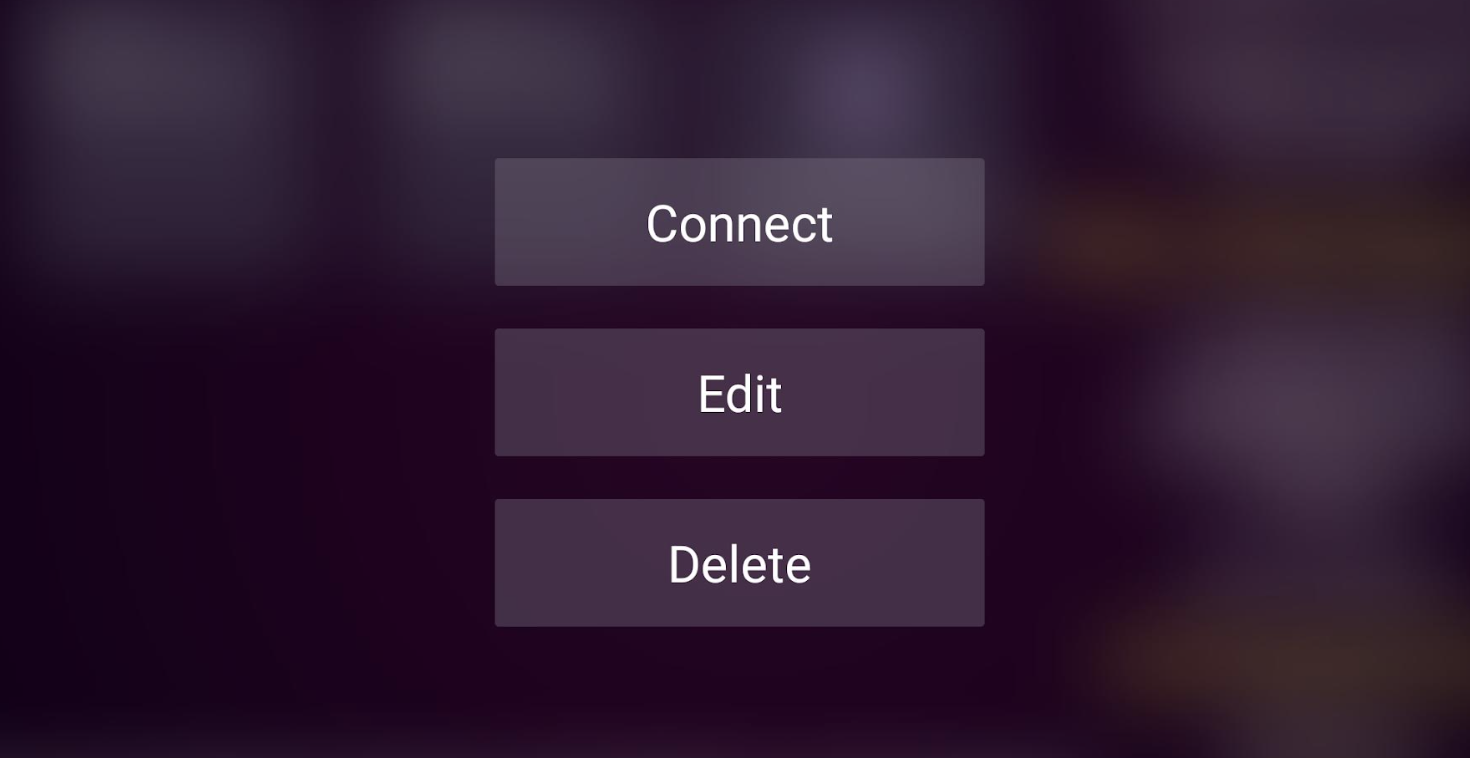
Step 5: Now, Click on "Connect" and it's ready to use.